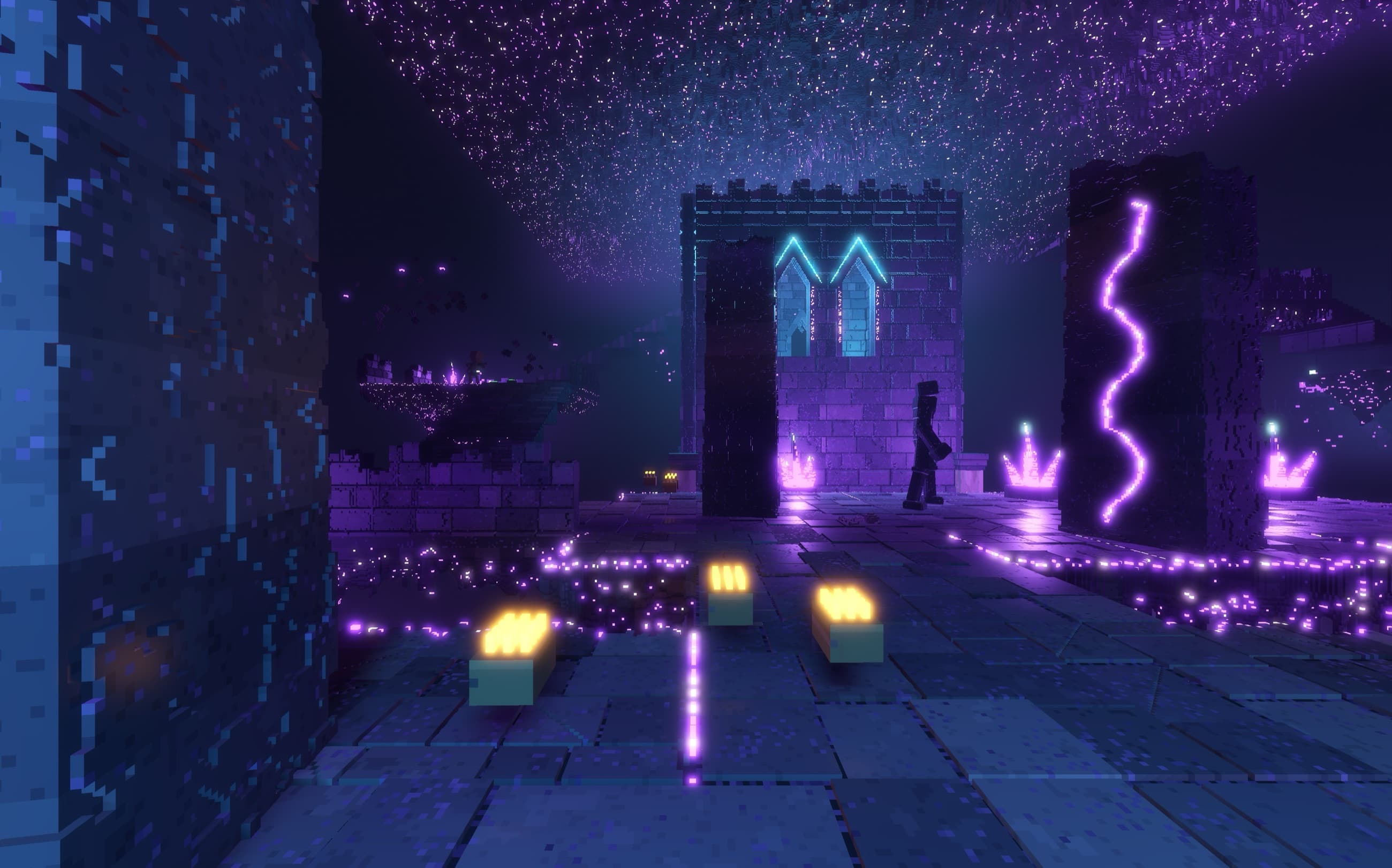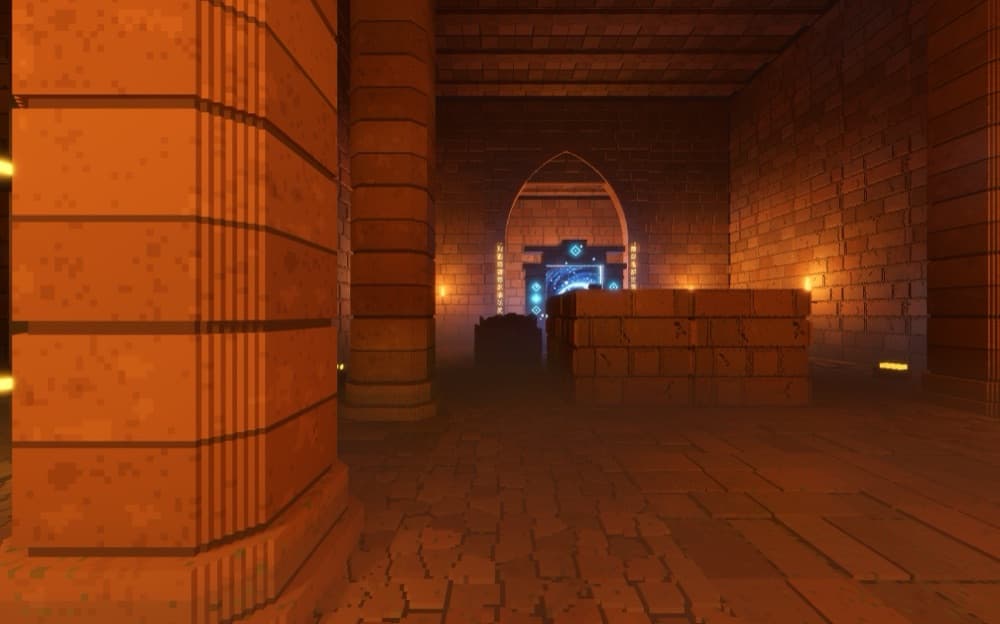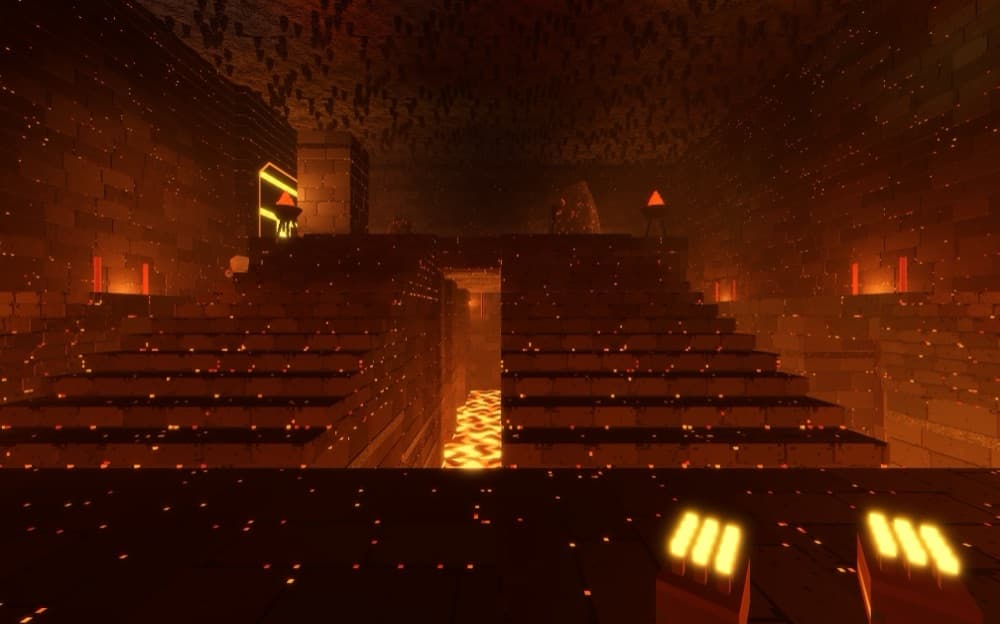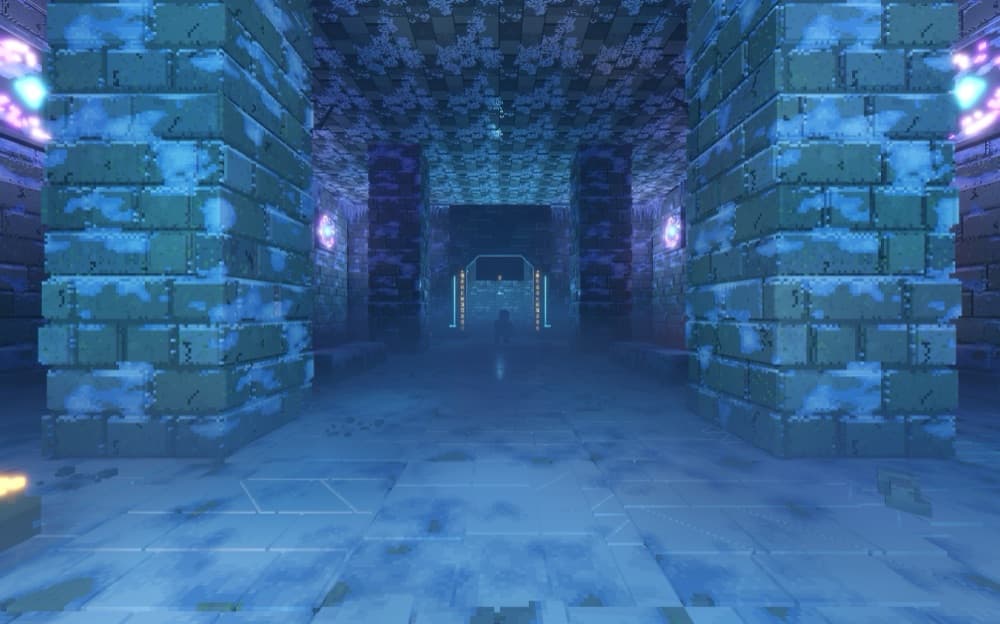
v1.0.0-beta · GPU volume engine

Build detailed voxel models and render final shots.

VoxiGen is a browser voxel editor built for serious scale: 1024³ canvases, responsive raycast previews, path-traced beauty shots, physical materials, CT volume import, and pipeline-ready export.

1024³ volume canvas60 FPS raycast + path traced finalsVXB · VOX · glTF · GLB · OBJ · STL
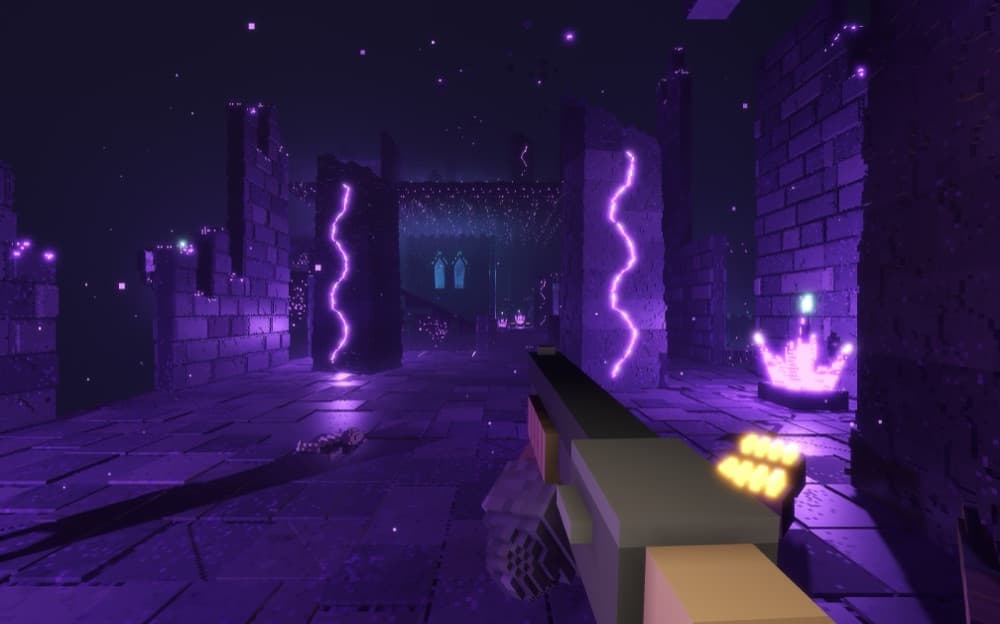
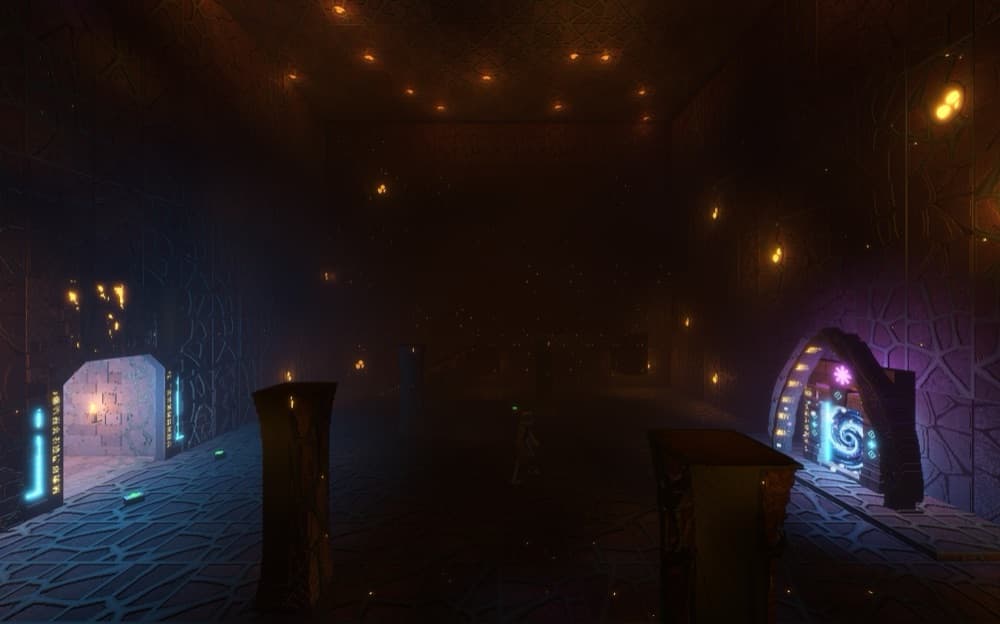
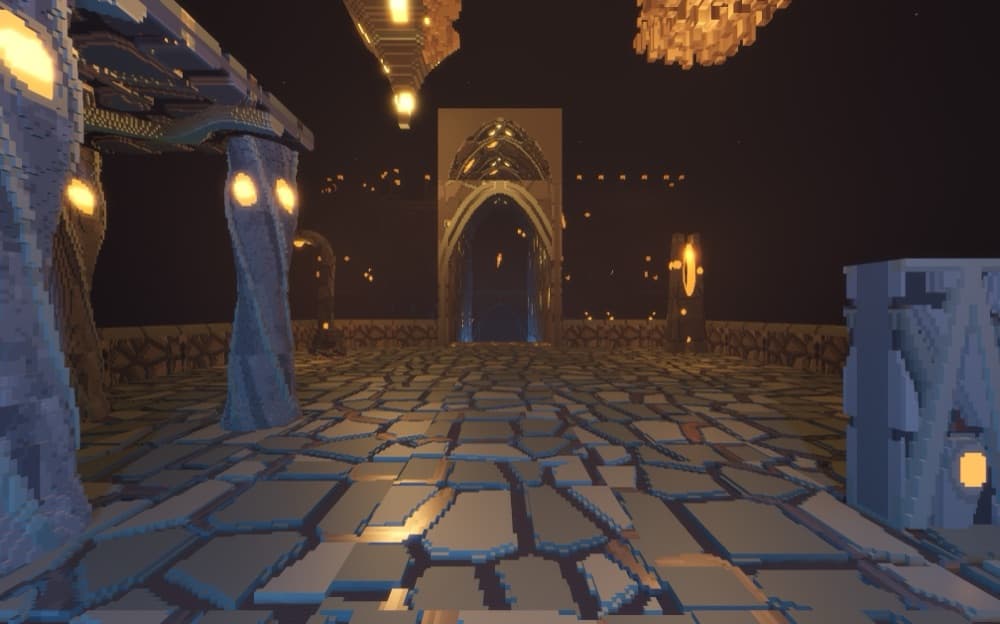
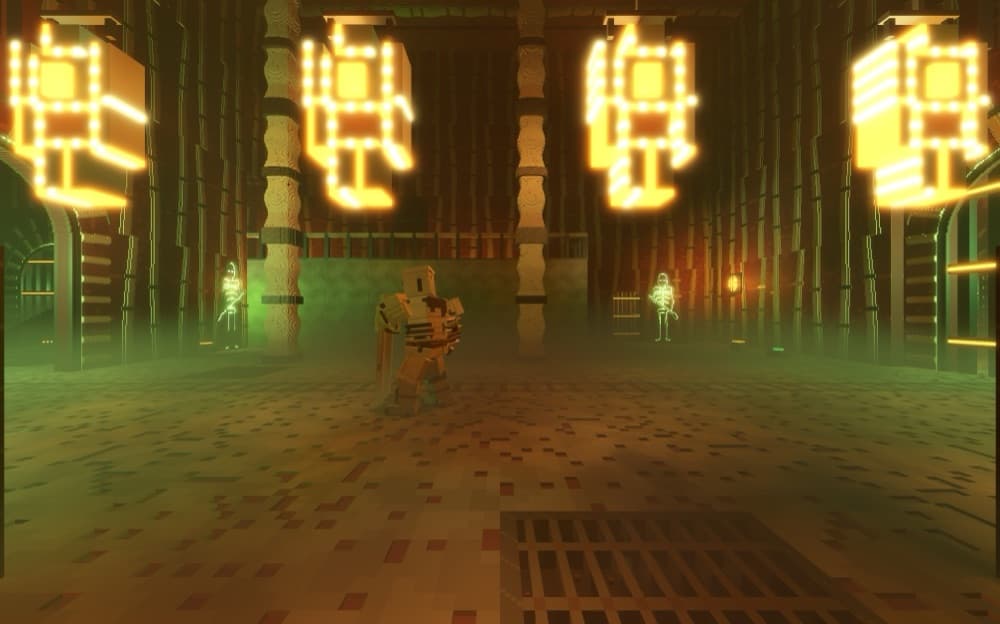
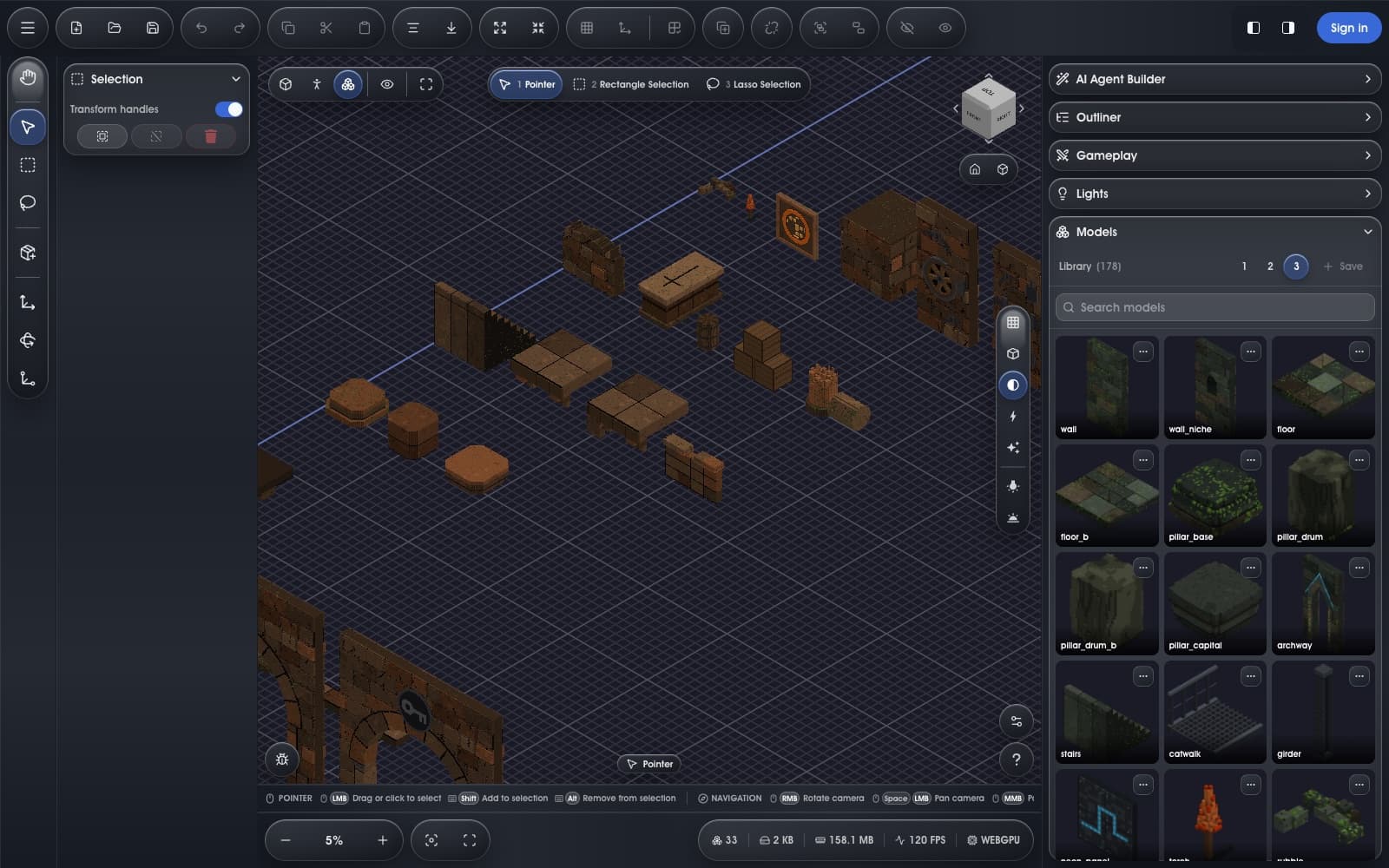
VoxiGen browser editor showing a voxel scene with modeling panels and render controls
Everything you need

One editor for scale, AI generation, rendering, materials, data, and export.

Build at billion-voxel scale, generate assets with AI, tune materials, inspect volumetric data, render final shots, and export to the tools already in your pipeline.

Massive scale

1024³ editing unlocks billion-voxel work.

A 1024 by 1024 by 1024 canvas is more than one billion addressable voxels. VoxiGen keeps that scale interactive in a browser, making complex models and large volumes practical without a desktop install.

  • Build beyond small voxel props into city-scale scenes, dense structures, and high-detail scans.
  • Streaming keeps inactive regions out of the hot path so the editor can stay responsive.
  • Free canvases reach 512³; Pro unlocks the full 1024³ engine cap.
VoxiGen editor open on a large voxel workspace in the browser
AI generation panel

Generate images, 3D models, and voxel-ready assets in one tray.

The AI panel is more than a prompt box. Generate reference images, run text-to-3D, convert any image into a 3D model, then import the result into the voxel scene or download the source asset.

  • Choose voxel, detailed voxel, realistic, stylized, or custom style presets before generation.
  • Tune guidance, seed, and target polycount so outputs can be repeated and shaped for your scene.
  • Save/open generation bundles, import PNG/JPG/WebP/GIF images or GLB/glTF models, and drag assets into the editor.
VoxiGen AI generation panel showing generated voxel-style assets
Live final rendering

Raycast and path tracing while you edit.

Use fast raycast mode for clean live lighting, then switch to path tracing for beauty shots. The important part: the render is still the editor view, so you can adjust voxels, materials, sun, threshold, and clips while seeing the final look.

  • Save screenshots and render stills directly from the viewport.
  • Raycast view gives a sharp real-time final-look preview for everyday work.
  • Path tracing converges for higher-quality shots when you want polished output.
VoxiGen render controls and post-processing view for final voxel shots
Physical materials

Materials, sun, and density are first-class controls.

Palette slots are full material slots, not just colors. Pick from matte, plastic, metal, chrome, glow, glass, frosted, cloud, and tissue presets, then tune roughness, metalness, emission, IOR, and density against a physical sun.

  • Use roughness, metalness, and emission channels for real surface response.
  • Glass, cloud, and tissue modes add transmission, volume density, and subsurface-style rendering.
  • Sun azimuth, elevation, exposure, fog, ground, and environment controls shape the scene lighting.
VoxiGen material and layer controls for voxel palette slots
Scientific volume import

Open NRRD data and dissect it live.

Import NRRD scientific volumes such as CT scans, convert tissue bands into editable layers, and inspect the data with threshold, density, slice preview, smooth interpolation, and cross-section controls.

  • Open raw or gzip .nrrd files directly in the browser.
  • Separate tissue bands into layers so scan data becomes editable voxel structure.
  • Move density and surface thresholds in real time to reveal skin, tissue, bone, or internal detail.
A ribcage rendered from a CT scan volume in VoxiGen
Pipeline export

Export to the tools already in your workflow.

Keep VoxiGen compatible with the rest of your pipeline. Save native VXB, move voxel work through VOX, or export mesh formats for Blender, Maya, game engines, printing, and web delivery.

  • VXB preserves VoxiGen scenes, with optional password protection.
  • VOX keeps compatibility with common voxel editors.
  • glTF, GLB, OBJ, and STL cover web, Blender, Maya, game engines, and 3D printing workflows.
VoxiGen export dialog showing compatible voxel and mesh export formats
One voxel engine

Create assets and visualize volume data in the same browser.

VoxiGen uses the same GPU volume core for voxel art, AI asset generation, CT/NRRD inspection, final rendering, and export. Start with a model or a scan; the workflow stays in one editor.

Create workflow

Build, generate, render, and ship voxel assets.

Use AI generation, brushes, layers, symmetry, materials, and live final rendering on canvases up to 1024³, then export into the tools already in your pipeline.

  • AI image, text-to-3D, and image-to-3D generation inside the editor
  • Brushes, layers, symmetry, materials, and undo for serious voxel modeling
  • Raycast and path-traced views for final-look screenshots and beauty renders
  • VXB, VOX, glTF, GLB, OBJ, and STL export for production workflows
For creators →
Visualize workflow

Open scientific volumes and turn density into structure.

Import NRRD data such as CT scans, move density thresholds and clips in real time, split tissue bands into layers, then edit or export what you discover.

  • Open raw or gzip NRRD volumes directly in the browser
  • Use density, threshold, slice preview, and cross-section controls live
  • Convert tissue bands and scan regions into editable voxel layers
  • Render, share, or export the result from the same browser project
For data →
Pricing

Free is generous. Pro is the unlimited engine.

Pro unlocks the parts built for shipping real work — bigger worlds, mesh export, cloud — and we never paywall the basics. AI is prepaid credits you own forever, the same for everyone.

Free
$0

  • Worlds up to 512³
  • Full editor, smooth render, .vox in/out
  • CT import — full-res, threshold & clip planes
  • AI credits, prepaid & own-forever
Start creating
Recommended
Pro
$12 / mo

  • 1024³ high-scale editing
  • Mesh export: GLB, glTF, OBJ, STL
  • Private cloud library across devices
  • Private view-only share links
  • Up to 5 team members
Upgrade to Pro

AI credits sold separately. Cancel anytime.

Open a browser tab. Build a world, or read a scan.

No download, no account to look around. The engine is already running — it just needs something to march.